
How to Block Image Downloads
- Published:
- • Web Dev/Design
- Updated:
- Author
-

- User
- VS
TL;DR
You can't. Don't waste too much time/effort/money trying.
You can make it harder to casually save images, but you cannot prevent it completely (if it can be displayed, it can be copied, screenshot, or scraped). That said, here are some approaches you could try depending on how much you hate your website's users/visitors:
1. Discouragement Techniques (low friction, not foolproof)
These will only stop the least determined, most tech illiterate users.
- Low-resolution display images: Only upload 800px (longest dimension) or smaller web-size versions, keep originals offline.
- Watermarking: Place a subtle or semi-transparent watermark on images so even if copied, they're branded. Have you seen how good and fast modern "AI" is at removing logos?
- Disable right-click + drag-and-drop: JavaScript/CSS can block the obvious methods (
oncontextmenu="return false;",pointer-events: noneoverlays), but this hurts accessibility and is trivial to bypass.
2. Intermediate Protection
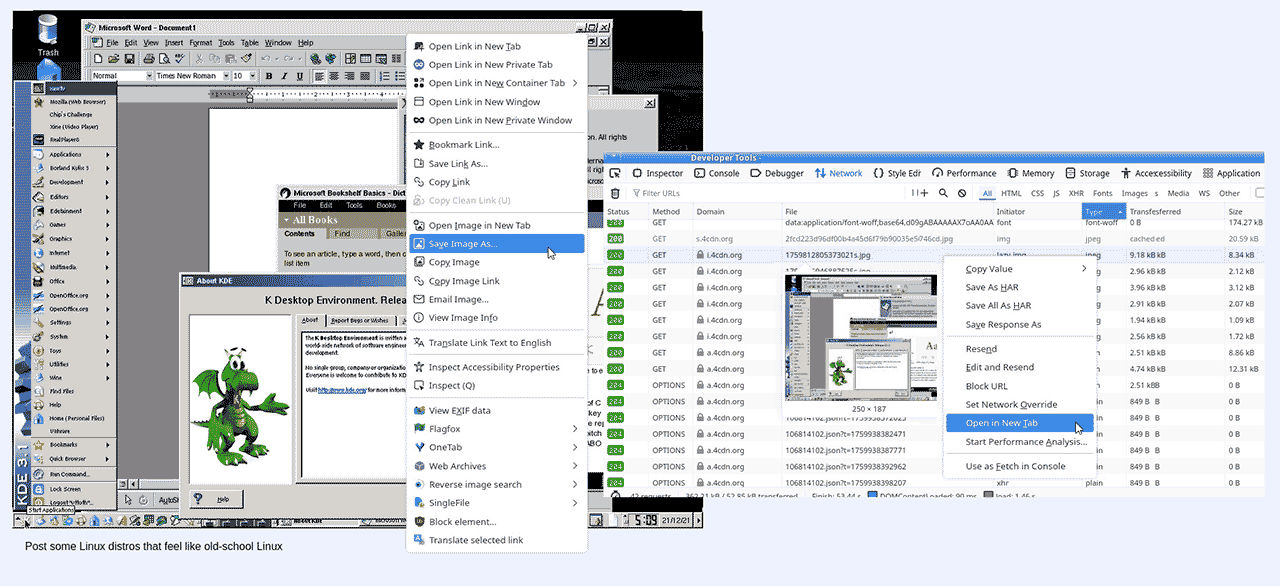
- Transparent overlay: Place a transparent PNG or div over the image. User sees the photo, but right-click/download grabs the overlay instead. (Can still get around with "Inspect Element", screenshots, and other methods).
- Lazy loading with blob URLs: Load images via JavaScript into
<canvas>or blob objects. Makes it harder to right-click/save, but not impossible. There will be a performance penalty that comes with this method, website visitors with low-spec hardware will suffer the most. - CDN rules: Some CDNs can limit hotlinking or enforce referrers, which helps stop other sites from embedding the images.
3. Stronger Measures
- Dynamic watermarks: Generate images server-side with embedded watermarks (can even be unique per session/user).
- Signed URLs / Expiring links: Require time-limited tokens to access images. (Stops people from bulk-downloading but doesn't stop screenshots).
- Member-only viewing: Put valuable galleries behind a login/subscription, discourage casual theft.
The Least Bad UX Approach
Photographers are the most common client type that want this kind of feature for their website portfolios/galleries. The best option is usually a combination of:
- Only upload web-size versions (never originals).
- Add branding/watermarks (visible but tasteful).
- Optionally use a transparent overlay so casual users can't drag-save.
- Tell the client plainly: "If it's online, it's copyable. If I can see it in my browser that means it's probably already saved somewhere on my computer/device in a cache folder - you might reduce, but can't eliminate, risk."